
memo6759 님의 블로그
2025-12-02(웹 mqtt) 본문
1.guage 차트 연결
2. mqtt통신 코드를 컴포넌트에서 분리
3. 컴포넌트로 분리
4. 리액트의 데이터를 스프링 백엔드로 디비에 insert
5. DB데이터를 조회해서 리액트에 리스트로 출력
6. 스프링 시큐리티
7. 토큰을 이용해서 로그인/로그아웃
8. 벡엔드에서 mqtt 통신하기
구글차트
게이지 쓰기
https://developers.google.com/chart/interactive/docs/gallery/gauge?hl=ko
시각화: 게이지 | Charts | Google for Developers
SVG 또는 VML을 사용하여 브라우저 내에서 렌더링된 다이얼이 있는 게이지를 만드는 방법을 알아봅니다.
developers.google.com
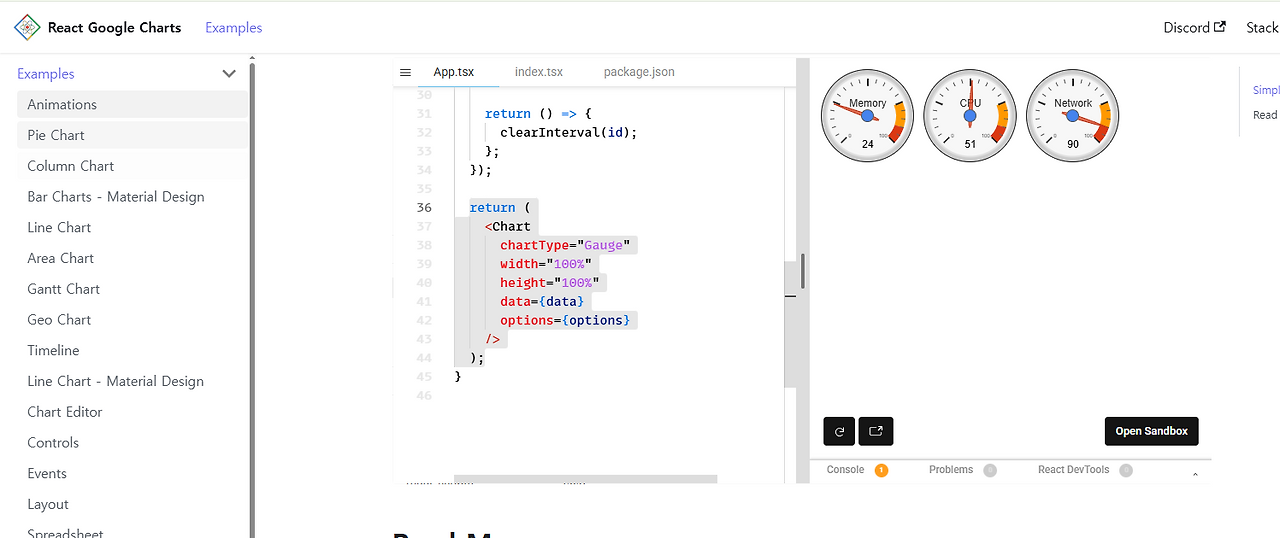
https://www.react-google-charts.com/examples/gauge

게이지 사이트에서 복붙
export const options = {
  width: 400,
  height: 120,
  redFrom: 90,
  redTo: 100,
  yellowFrom: 75,
  yellowTo: 90,
  minorTicks: 5,
};
//센서데이터용 state
  const [sensorData, setSensorData] = useState([
    ["Label", "Value"],
    ["온도", 0],
    ["습도", 0],
  ]);
- 변경 - 위에 sersorData는 지움,

- import

- sensorData 연결 작업 - 게이지 사이트에서 복붙
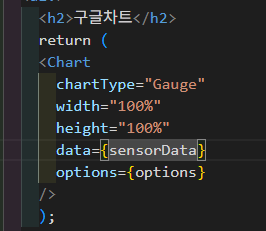
shop 파일 작업
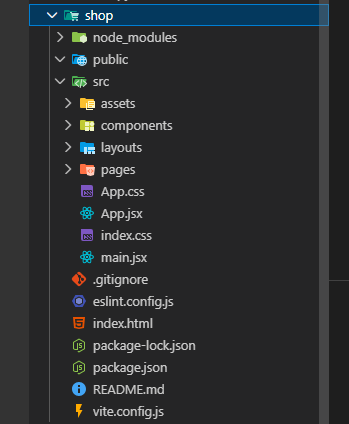

다시 복습 해야 할듯
4시반까지 이번주할것의 3번까지 함.
리액트 → 스프링 → 서비스 → DAO/Repository → DB → 다시 리액트
React(Front)
   ↓   HTTP 요청
Controller (Spring)
   ↓
Service
   ↓
DAO / Repository
   ↓
JPA(EntityManager) → JDBC Driver → DB
   ↓
Service
   ↓
Controller
   ↓
React(JSON 응답)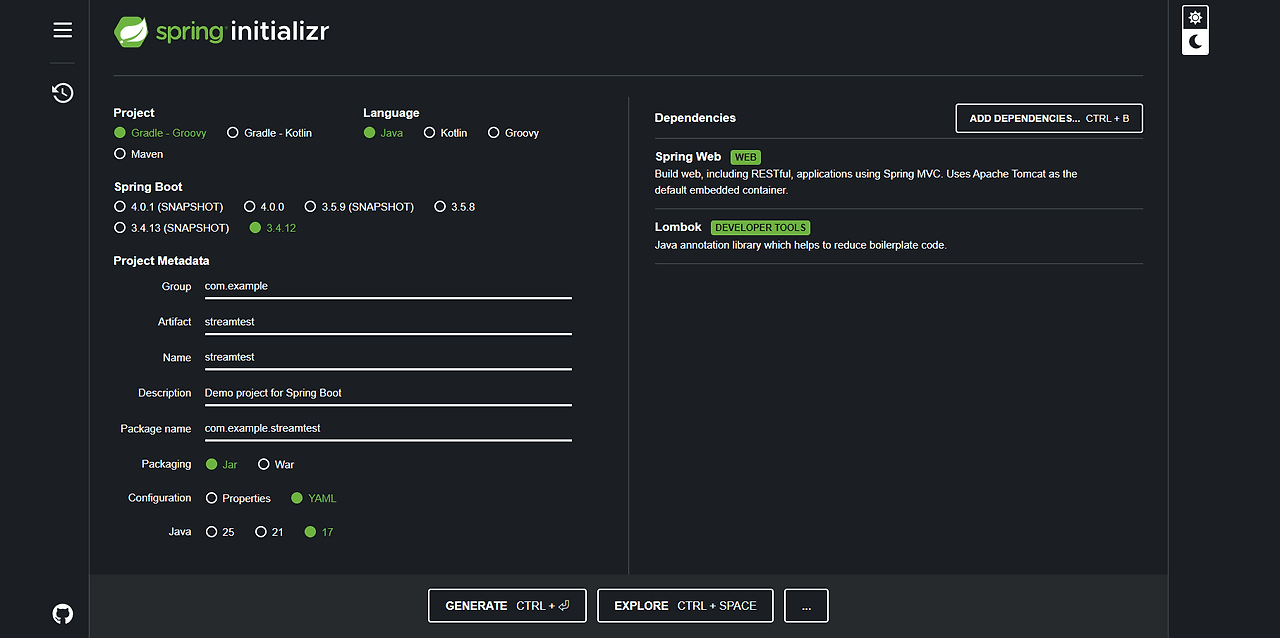

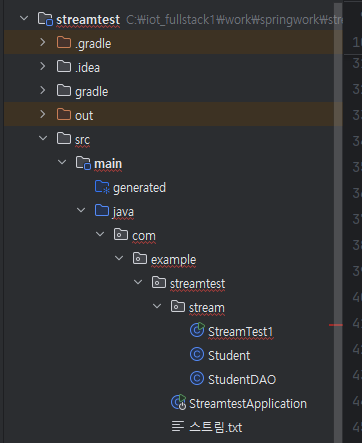
StudentDAO.java
package com.example.streamtest.stream;

import java.util.ArrayList;
import java.util.List;

public class StudentDAO {
    public List<Student> init(){
        Student student1 = new Student("1111","김남준","서울",99);
        Student student2 = new Student("2222","민윤기","대구",89);
        Student student3 = new Student("3333","김석진","서울",95);
        Student student4 = new Student("4444","김태형","서울",92);
        Student student5 = new Student("5555","전정국","부산",78);
        Student student6 = new Student("6666","김지민","광주",88);
        Student student7 = new Student("7777","정호석","광주",97);

        List<Student> studentList = new ArrayList<>();
        studentList.add(student1);
        studentList.add(student2);
        studentList.add(student3);
        studentList.add(student4);
        studentList.add(student5);
        studentList.add(student6);
        studentList.add(student7);
        return studentList;
    }
}
Student.java
package com.example.streamtest.stream;

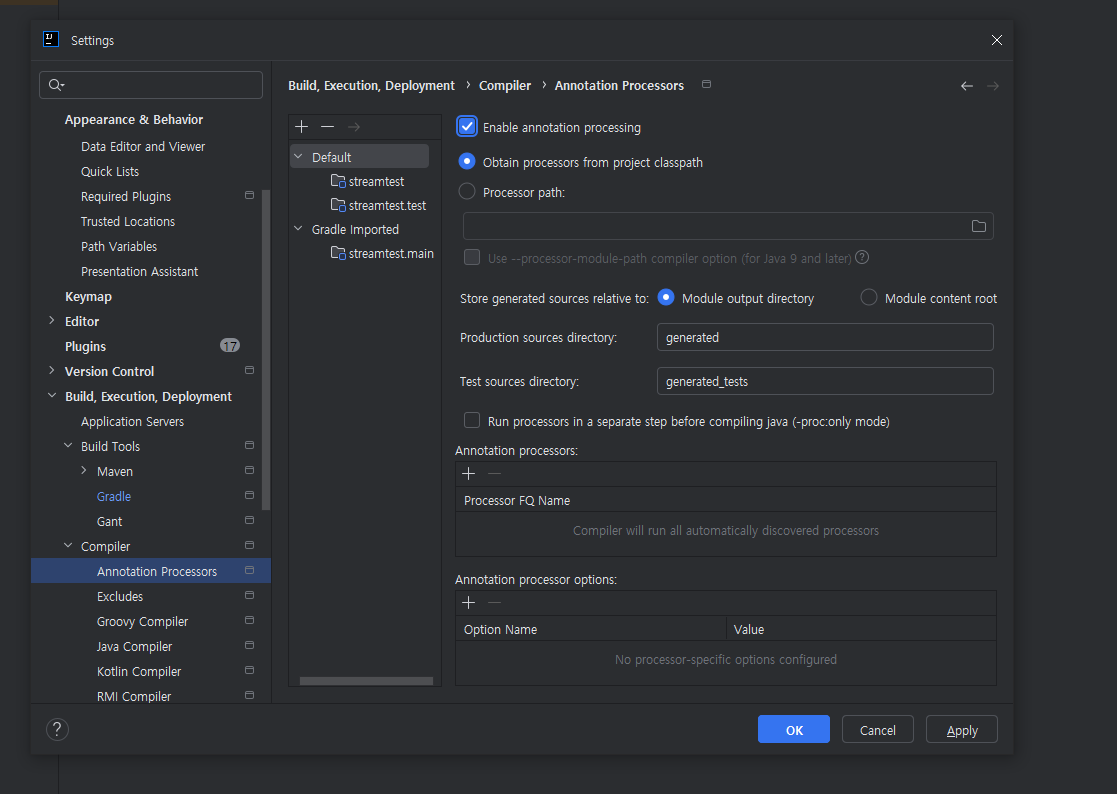
import lombok.AllArgsConstructor;
import lombok.Data;
import lombok.NoArgsConstructor;

@Data
@AllArgsConstructor
@NoArgsConstructor
public class Student {
    private String id;
    private String name;
    private String addr;
    private int jumsu;


}
StreamTest1.java
package com.example.streamtest.stream;

import java.util.ArrayList;
import java.util.List;
import java.util.function.Predicate;
import java.util.stream.Stream;

public class StreamTest1 {

    public static void main(String[] args) {

        // 1) DB에서 조회한 데이터
        StudentDAO dao = new StudentDAO();
        List<Student> list = dao.init();

        List<Student> filterList = new ArrayList();
        for(Student student : list){
            if(student.getJumsu()>=90){
                filterList.add(student);
            }
        }
        for(Student student : filterList){
            System.out.println(student.getName());
        }


        System.out.println("====================스트림을 이용해서 작업 ==============================");
        Stream<Student> stream = list.stream();
//        stream.filter(new Predicate<Student>() {
//            @Override
//            public boolean test(Student student) {
//                return false;
//            }
//        });
        //1. filter 내부에 전달되어야하는 객체가 정해져 있다. - 이런경우 어떤 객체가 전달되어야 하는지 생략할 수 있다.
        //2. 오버라이딩해야 하는 메소드가 한 개면 메소드명이나 {}도 생략
        //3. ()와 {} 사이에 람다기호 추가 (->)
        //4. 매개변수 한 개이고 리턴하는 코드만 있다면 매개변수 타입과 ()도 생략, {}와 return도 생략

        list.stream()
                .filter(student->  student.getJumsu()>=90 )// 중간 연산 - 스트림을 반환 (조건에 만족하는 데이터만 스트림으로 반환)
                .forEach(student ->  System.out.println(student.getName()));// 종료연산 - 출력으로 스트림을 사용


        list.stream().filter(student -> student.getJumsu()>=90)

    }


}


//       // 2) 점수 90점 이상 학생의 이름만 출력하기
// list.stream().filter(st -> st.getJumsu() >= 90).map(Student::getName).forEach(System.out::println);'HDC 학습일지' 카테고리의 다른 글
| 2025-12-03(Stream APi, 리액트 -> 스프링 -> DB(insert)) (1) | 2025.12.05 |
|---|---|
| 전체 백엔드 흐름 (0) | 2025.12.02 |
| 2025-11-25(카메라 센서 - react MQTT) (0) | 2025.12.02 |
| 2025-11-24(리액트 state, props) (0) | 2025.11.27 |
| 2025-11-27(Open CV) - 현업자 특강 (0) | 2025.11.27 |